
Settings & Performance
Over the Hill performance guide: graphics and upscaling settings that matter, mid-range hardware targets, Steam Deck and GeForce Now support, controller and save advice.
Introduction
Over the Hill's performance conversation starts with a reversal: the Next Fest demo was poorly received for its optimisation, and the launch build was widely reported as a substantial improvement, so settings advice from the demo period should be treated as out of date before you act on it. On modern hardware the game is generally manageable, but GPU load has been reported as unusually high in some configurations, which makes a couple of decisions about presets, draw distance and frame caps more useful than fiddling with every individual option. This section covers where to start, what to change if the frame rate drops, how the game behaves on Steam Deck and GeForce Now, and what to expect from controllers, save files and the crash and stutter reports players raise most often.
Performance Priority Order
| Setting Area | Effect | Recommended Order | Notes |
|---|---|---|---|
| Preset | Broad picture quality baseline | Start here, closest to your GPU tier | New launch build optimised far better than the demo |
| Draw distance and vehicle detail | Visible range versus frame cost | Raise last, after everything else is stable | Common biggest single lever on GPU load |
| Frame cap | Keeps GPU load from pinning | Set once the frame rate is consistent | Active helps when the GPU sits at full load doing nothing visible |
| Input | Gamepad versus keyboard | Gamepad is the intended device | Rare wheel support is not planned for release |
| Platform path | Native PC, Steam Deck via Proton, GeForce Now | Pick the path that matches your hardware | Epic both Deck and GeForce Now are supported routes |
Tuning Tracks
Where To Start
Preset first, then leave most of the options alone
When Frames Drop
Diagnosing heavy GPU load and stutter
Steam Deck And GeForce Now
The two officially supported alternative routes to play
Input, Saves And Reports
Controllers, save files and the issues players raise most
Frame Cap & Draw Distance
The two levers worth adjusting after the preset
Core Mechanics
Over the Hill renders a large continuous area that you can cross without loading breaks, which is the main reason GPU load tends to be the limiting factor rather than CPU or memory. Graphics settings are conventional: a preset sets the baseline, draw distance and vehicle detail have the largest effect on what the GPU has to draw, and capping the frame rate keeps the card from working at full load for frames nobody sees. The game runs natively on Windows, runs on Steam Deck through Proton, and is available through GeForce Now. Input is gamepad-first with keyboard support, wheel support is not planned for release, and progress is stored per player in a way that carries between solo and online play.
Advantages
The launch build being substantially better optimised than the demo means most players can start from a sensible preset and stop there rather than working through a long tuning checklist, which is the right outcome for a game about slow exploration. Officially supporting both Steam Deck and GeForce Now gives two genuinely different routes to play, so hardware is much less of a barrier than for a typical launch-window PC release. Because progress is stored per player and carries between solo and online, there is no save-file anxiety around switching modes or ending a session mid-region, and the relaxed pace means a capped frame rate rarely feels like a compromise.
Challenges
GPU load has been reported as unusually high in some configurations even when little appears to be happening on screen, and the fix is blunt: drop a preset notch and cap the frame rate rather than fine-tune your way out of it. Wheel support is not planned for release, which is a genuine omission for a driving game and a disappointment to players who own a rig. The launch build is also new enough that the community's performance advice mixes demo-era conclusions with current ones, so it takes some care to separate advice that no longer applies from advice that does.
Frequently Asked Questions
What settings should I change first in Over the Hill?+
Is Over the Hill better optimised than the demo was?+
Does Over the Hill support Steam Deck, GeForce Now and steering wheels?+
Quick Tips
Change one thing at a time and drive the same route to compare. Tuning several graphics options between runs makes it impossible to attribute an improvement, and the preset plus a frame cap is enough to resolve the majority of reported performance complaints. Consistency matters far more than a peak number in a game where you spend most of your time crawling.
Cap your frame rate once it is stable rather than chasing the highest possible number. Reports of the GPU sitting pinned near full load while nothing visible is happening usually come down to uncapped rendering, and a cap costs you nothing perceptible in a game this unhurried. An uncapped frame rate on a fixed scene is the usual explanation for a GPU working hard for no visible result.
Retest your old demo-era settings before assuming the launch build will struggle. Optimisation improved substantially between the demo and release, so settings you needed then may now be costing you draw distance and vehicle detail for no benefit at all. Retesting is free, and the settings you carried over from the demo may be costing you image quality.
If your own hardware is the limiting factor, treat GeForce Now as a first-class option rather than a compromise. The game's slow pace and wide sightlines suit streaming well, and it removes GPU load from the list of things you have to think about entirely. Streaming removes hardware entirely from the equation, which suits a game this deliberate and this slow.
Featured
Over the Hill Lag Fix: Stutter, FPS Drops & GPU Tips
Solve Over the Hill lag fast — proven fixes for stuttering, high GPU usage, and frame drops so your off-road runs stay smooth on every biome.
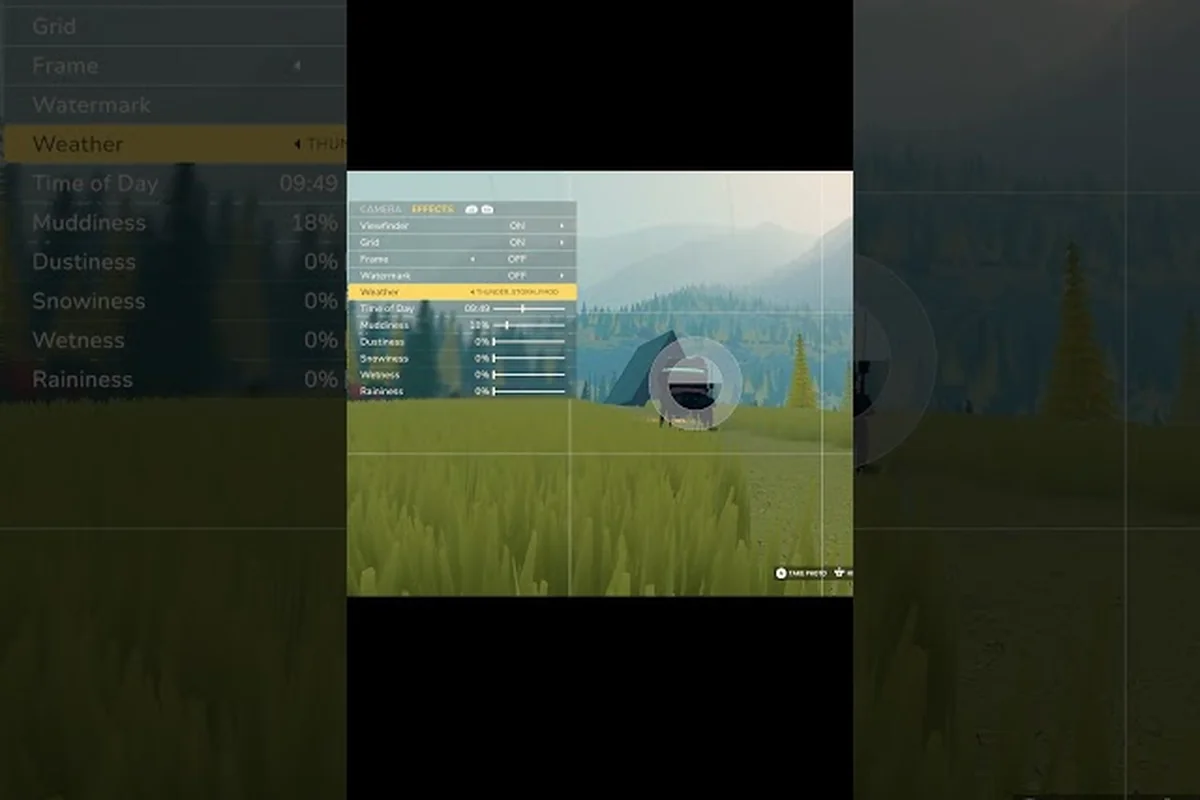
Over the Hill Photo Mode Settings: Camera, Audio & Fixes
Dial in Over the Hill photo mode settings — camera angles, FOV sliders, music and sound volumes, plus crash fixes for flawless scenic shots.
Over the Hill System Requirements: Minimum & Recommended Specs
Check the full Over the Hill system requirements — minimum and recommended PC specs, storage needs, and whether your rig can run the 2026 driving sim.
All Articles
Over the Hill Upscaling Settings: DLSS, FSR & Resolution
Tune Over the Hill upscaling settings — DLSS, FSR, and resolution options plus ultrawide and Steam Deck performance tips for sharper trails.
Over the Hill Save File Location: Backup, Proton & HDR
Find the Over the Hill save file location on PC, back up progress, and configure DLSS, HDR, and Proton for stable off-road runs.
Over the Hill Linux Support: Proton, Mac & Controller Notes
Get the truth on Over the Hill Linux support — Proton compatibility, Mac status, wheel and controller layouts, and the best input setup for off-road.